Directory Display Modes
A directory page has two halves: what's in it (fields, privacy, access) and how it's shown. This page covers the showing. Every directory picks a display mode, grid, list, or map, and a card style. Both are set once on the directory and can be overridden per embed when you place the shortcode somewhere else.
Two ways to publish a directory
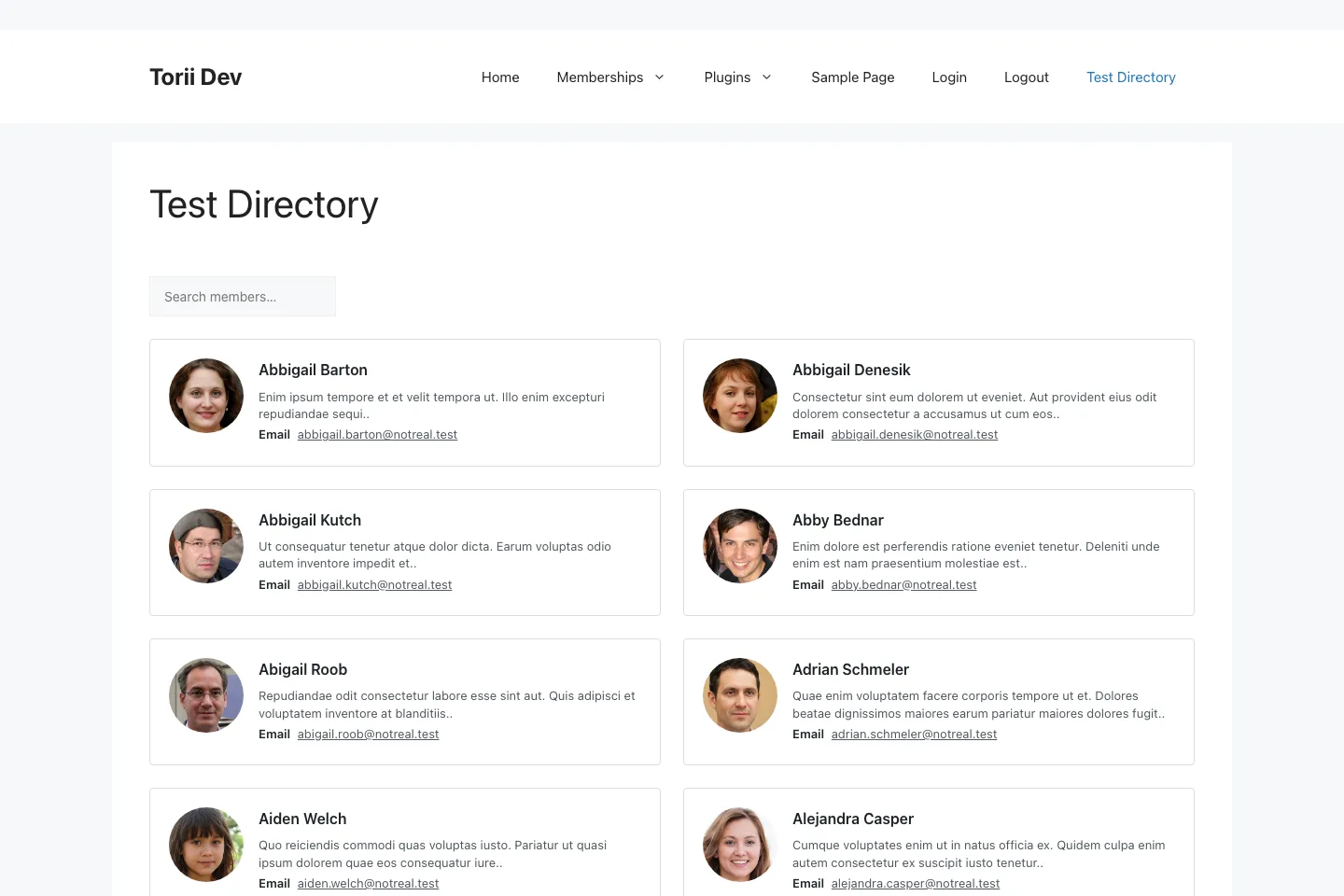
A directory is a native piece of content. It has its own permalink (/directory/your-directory/), and visiting that page renders the directory with its saved configuration. No page building required.
The other way is the shortcode. Put [memb_directory] on any page or post, point it at a directory with id or slug, and the same roster renders inline. Attributes on the shortcode override the directory's saved settings for that embed only: display for the mode, style for the card, per_page, and sort.
[memb_directory slug="coaches" display="list"]Access rules travel with the directory, not the embed. If the directory is restricted to a tag, a user without that tag sees the access-denied output wherever the shortcode appears.
Grid mode
The default. Member cards in a responsive grid, with an optional search box above and pagination below. Pick it when cards carry enough content to stand alone: avatar, name, a field or three, a profile link.
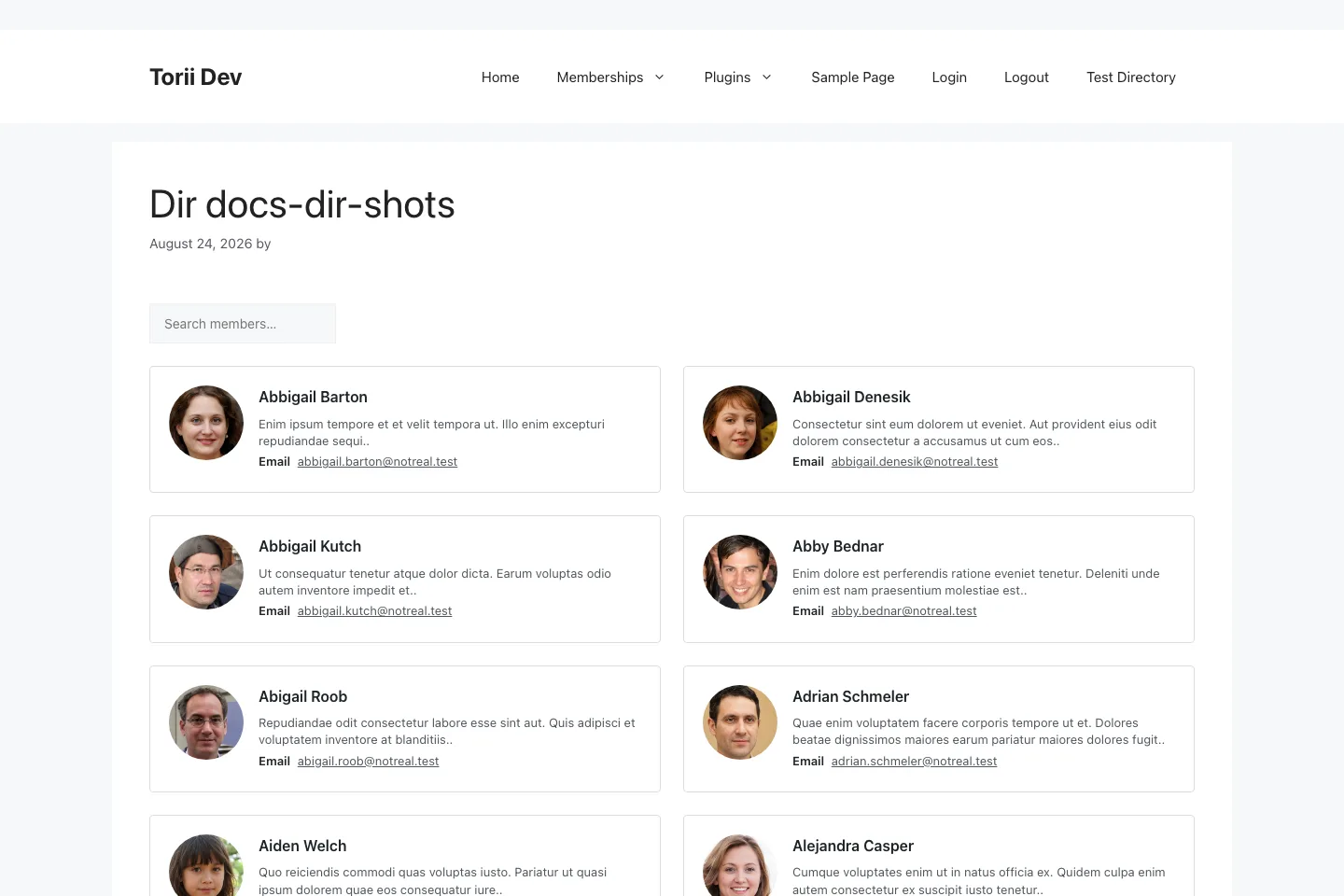
Search, pagination, and sorting are server-rendered with URL parameters (?dir_search=, ?dir_page=, ?dir_sort=), so results are shareable links and cache-friendly pages. Sort options are name_asc, name_desc, newest, oldest, and random.
List mode
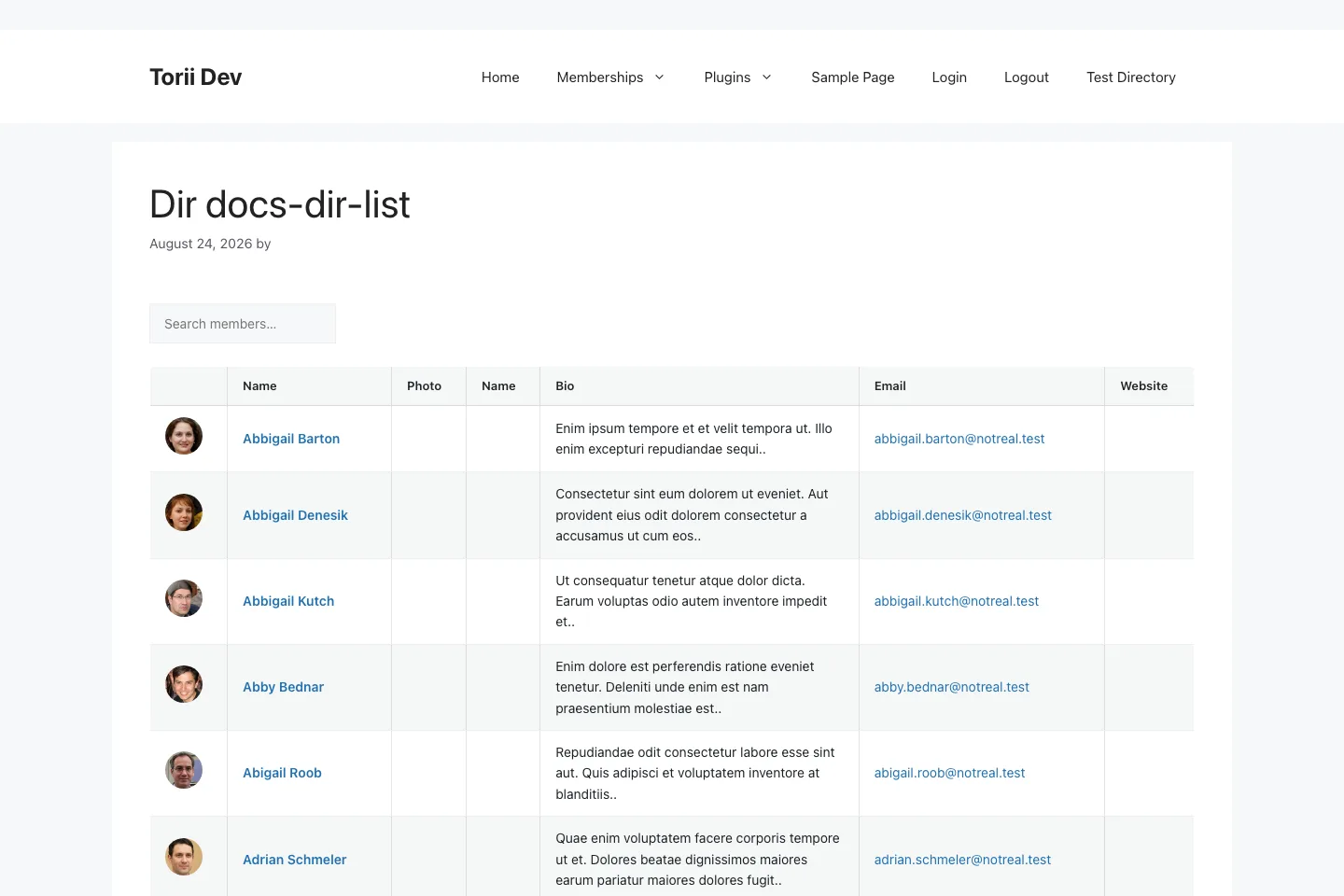
display="list". One member per row under a column header, dense and scannable. Pick it when the directory is a reference tool: a hundred consultants and the reader wants to find one by name, not browse.
Map mode
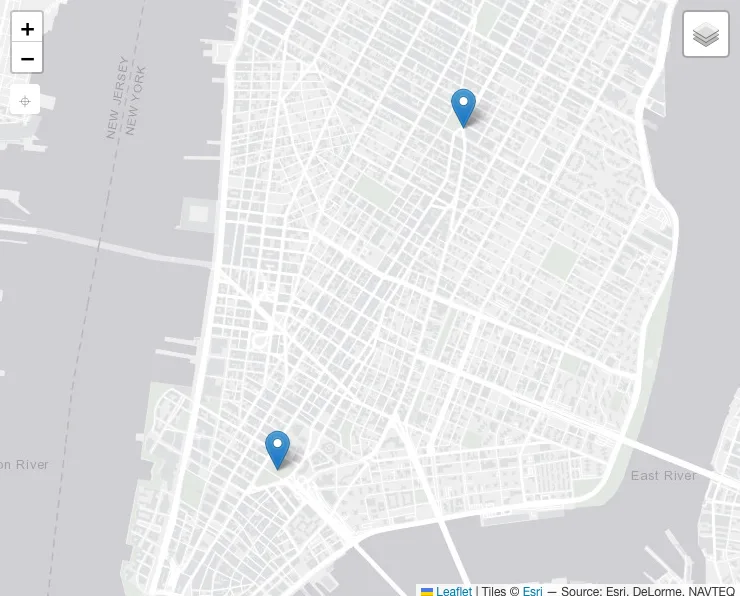
display="map". Instead of cards, members appear as markers on a geographic map, fetched client-side from an AJAX endpoint so the page itself stays cache-safe. Map mode is a different animal with its own configuration (geo fields, geocoding, tile providers), so it has its own page: Directory Maps.
Card styles
Grid mode renders member cards, and the card template is swappable. Nine styles ship with the plugin: default, compact, horizontal, bio, business, masonry, minimal, overlay, and banner.
Two examples of the same roster, different styles:
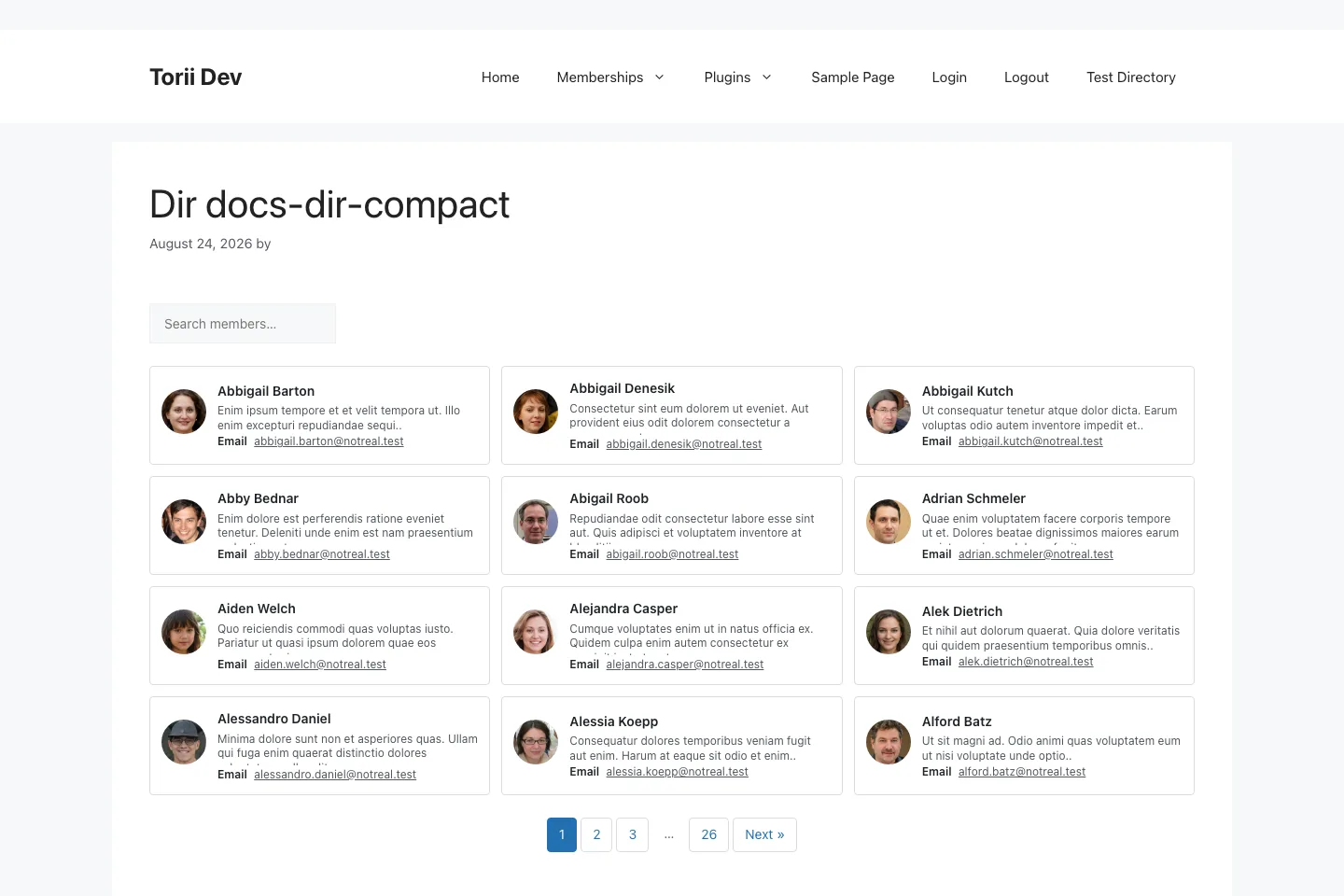
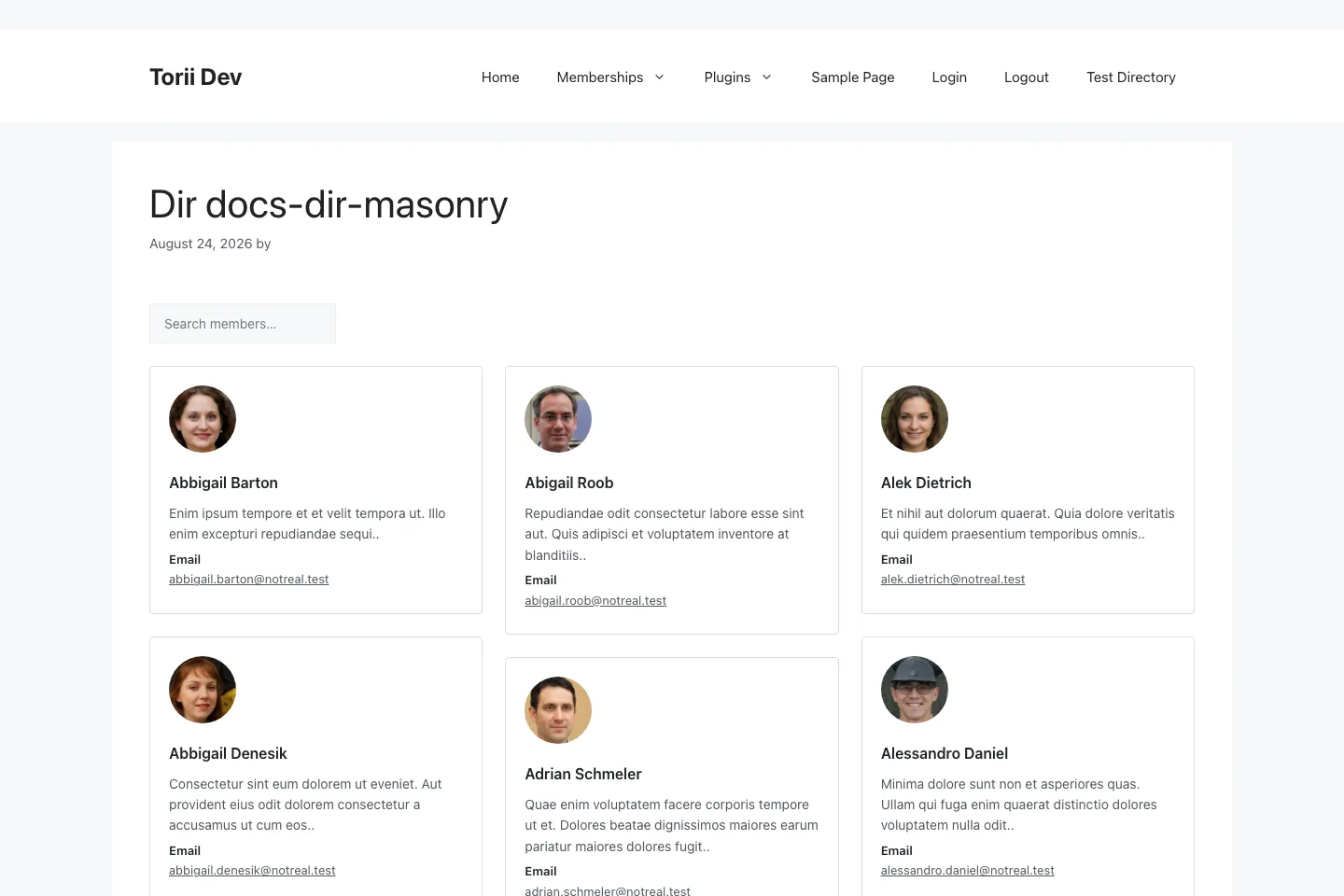
Set the style on the directory (it becomes the default for every embed) or per shortcode with the style attribute.
Every card template lives in templates/shortcodes/directory/cards/<style>/directory-card.php, and the loader checks your theme before the plugin. Copy a style folder into your-theme/torii/shortcodes/directory/cards/<style>/, edit it, and it wins. That's also how you add a tenth style: drop a new folder in, and it registers itself and appears in the admin dropdown.
Setting the defaults in the admin
Open a directory in the WordPress admin and the Directory Settings metabox holds the display defaults: display mode, card style, and items per page.
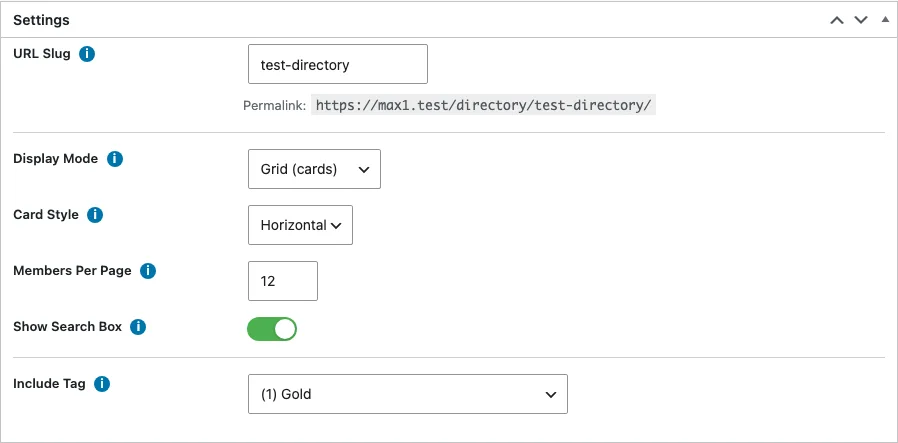
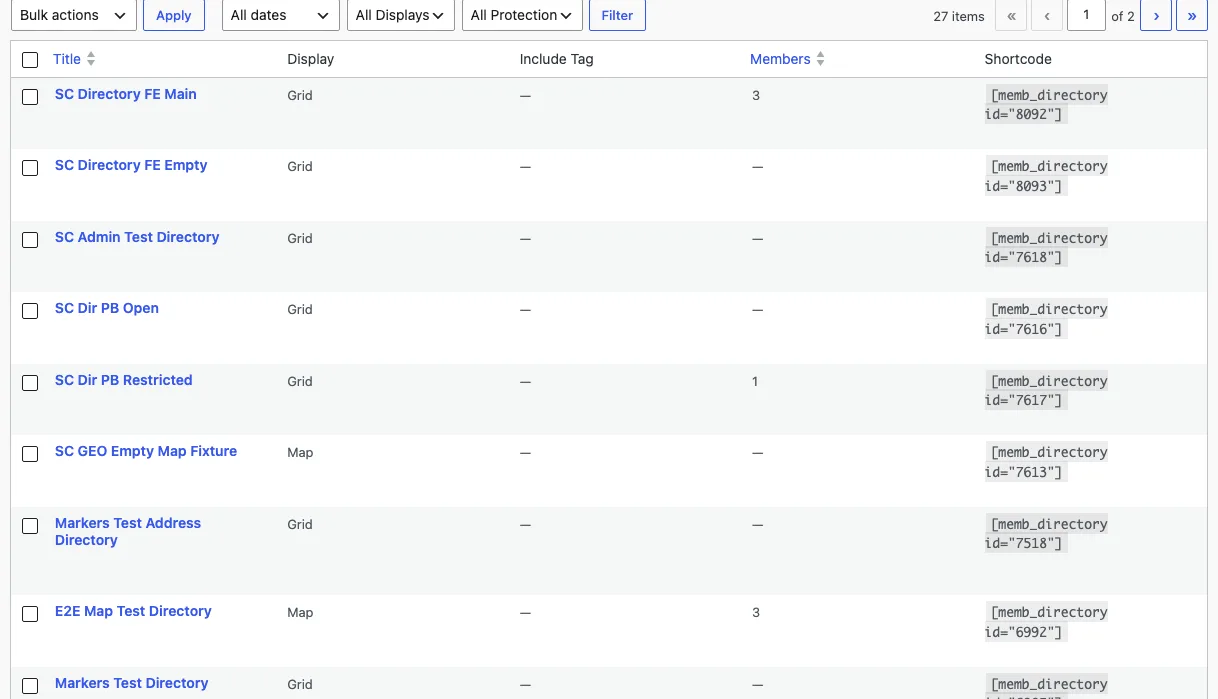
The Directories list screen gives you the bird's-eye view, with filter dropdowns for display mode and protection status.